Making Your Infrared Heat Actually Smart
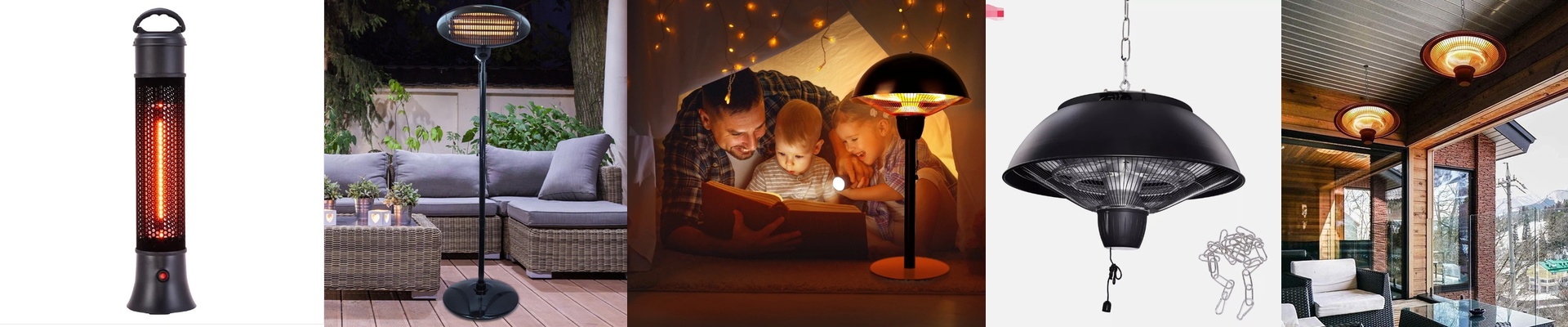
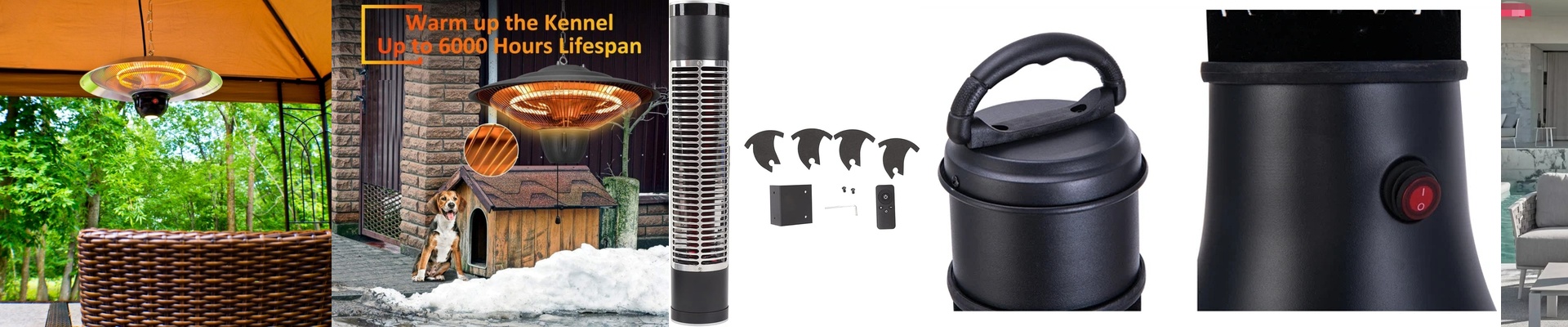
Ever notice how traditional heaters feel like they take forever to actually work? You turn them on, wait ten minutes for the air to warm up, and you’re still shivering. Infrared is different. It doesn’t waste time warming up the air in the room; it just hits you—and your furniture—with heat instantly. When you hook that up to a smart home system, you basically get a “warmth button” for your life.
The Magic of One-Touch Warmth
I call this “instant spring.” Instead of waiting for a furnace to kick in and push air through a vent, infrared lamps get hot in seconds. If you plug a Zigbee or Matter-compatible relay into the circuit, you can set up a “Warm” scene on your phone or voice assistant. You tap a button, and boom. You feel the heat immediately. It’s a total shift in how you experience your space.
The Nerdy Stuff (That Actually Matters)
If you’re setting this up, don’t just use a basic on/off switch. That leads to “the swing”—where the room is freezing, then suddenly it’s a sauna because the heater didn’t know when to stop. Go with a PWM (Pulse Width Modulation) dimmer. It lets the system dial the heat up and down based on what your sensors are seeing. It’s a much smoother ride. **One big warning though:**watch your wiring. High-wattage infrared tubes pull a ton of power the second they flip on. If you use a cheap, under-rated smart relay, the contacts can literally weld themselves shut or just fry. Don’t cheap out on the hardware here.
A Few Reality Checks
Now, look, smart homes are great until the Wi-Fi dies. If your hub crashes or the cloud goes offline, you don’t want to be stuck in a cold house. Always, always install a physical bypass switch. It’s your safety net. And a quick tip on sensor placement: don’t put your thermostat right in the path of the infrared beam. The sensor will feel the direct heat and think the whole room is boiling, shutting the heater off way too early. Tuck the sensor away so it reads the actual air temperature, not just the beam.